HomeLab Monitor
One small container for your home lab — GPU, AI VRAM, Docker, systemd and host health on a single page, with every machine registered over SSH in one cockpit. Now readable by AI agents too, through a built-in read-only MCP server.
One container · docker compose up -d
No Prometheus / Grafana / cloud
NVIDIA GPU friendly
Pull sikamikaniko123/homelab-monitor
🪄 Plug-and-play
One Docker container. No agents, no Prometheus/Grafana stack, no cloud account. Sane defaults; everything else is in the Settings tab.
🎮 GPU attribution
Live VRAM, utilisation, power, temperature — plus which container or process
is holding the card, mapped automatically via /proc/<pid>/cgroup + the Docker API.
🧠 AI model awareness
Detects the major local-AI servers (Ollama, vLLM, TGI, llama.cpp, A1111, ComfyUI) and reports which model is loaded with per-model VRAM.
📦 Containers & services
Health of every Docker container and every systemd service in one glance. Your own units highlighted, failed ones surfaced first.
🌐 Multi-machine, agentless
Register other boxes over SSH and they appear in the fleet table. Just python3
on the remote — nothing to install. Walkthrough →
🛡️ System, Network & Security
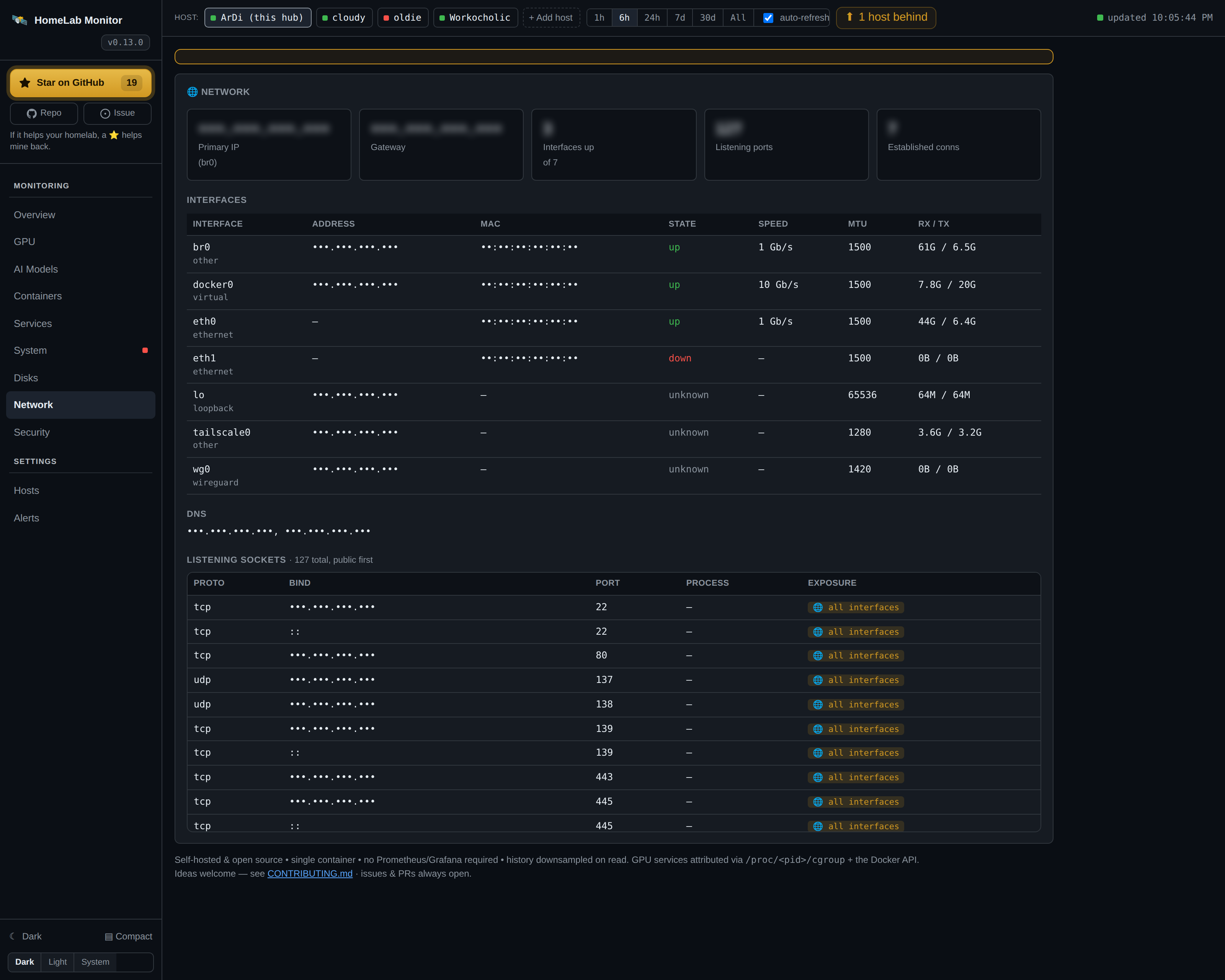
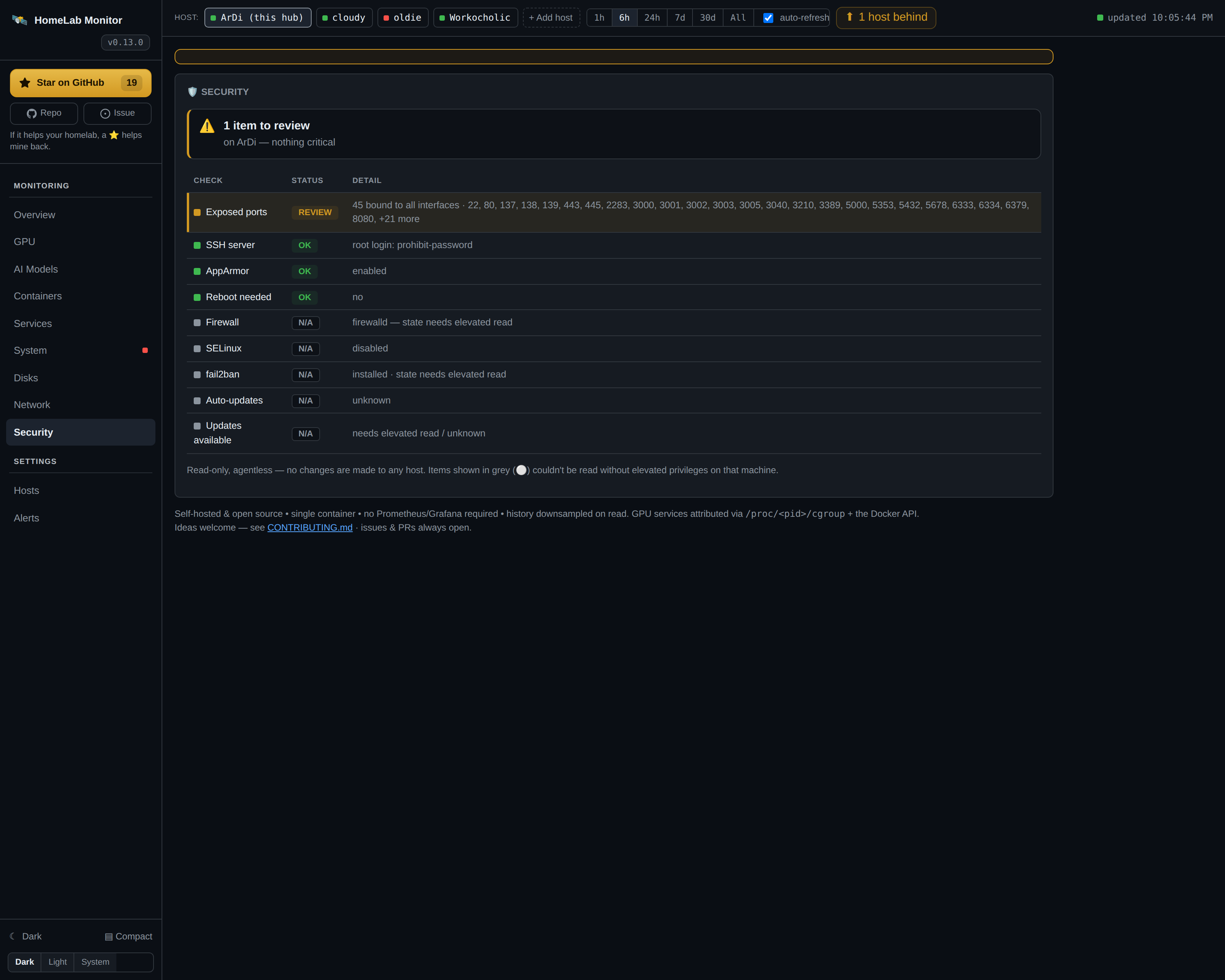
Per host: OS, kernel, architecture, machine model and CPU/GPU; interfaces, DNS and listening sockets with exposure flags; and a read-only security posture check (firewall, SSH hardening, SELinux/AppArmor, fail2ban) — issues first.
🔔 Alerts
Discord webhook or ntfy.sh. Edge-triggered: one ping per state change, never a spam flood. Configured from the UI.
🤝 MCP for AI agents
A built-in, read-only Model Context Protocol server lets Claude, ChatGPT or any MCP client explore your homelab — one line to connect, nothing it can change. More →
The same host, GPU, container and disk data you read on the dashboard is now exposed over a built-in, read-only MCP server — so you can just ask your agent instead of digging. One line connects Claude, ChatGPT or any MCP client; nothing to write, nothing it can change.
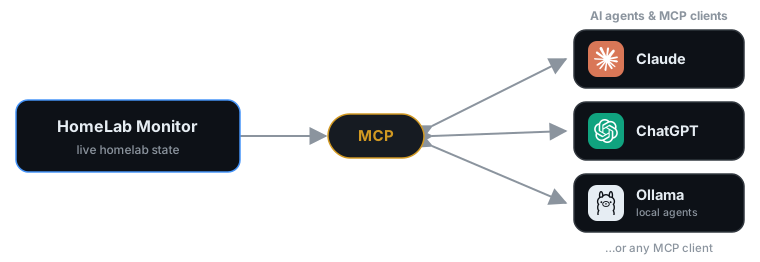
Connect any MCP client — Claude, ChatGPT, or an agent running on your own local Ollama models — and it reads your homelab's live state. Read-only: both directions are just question and answer.
# the dashboard is on :9800; the read-only MCP server rides along on :9810
claude mcp add --transport http homelab http://YOUR-HUB:9810/mcp
Then just ask — the agent picks the right tools:
- "My GPU's been pinned for an hour — which model server is loaded, and who's actually calling it?"
- "What's eating
/backup? Give me the biggest folders and flag anything that looks like runaway logs." - "Which host is lowest on RAM right now, and what's the top process holding it?"
- "I want to reboot and run an OS upgrade this weekend — which box needs it most, and a safe order given what's running?"
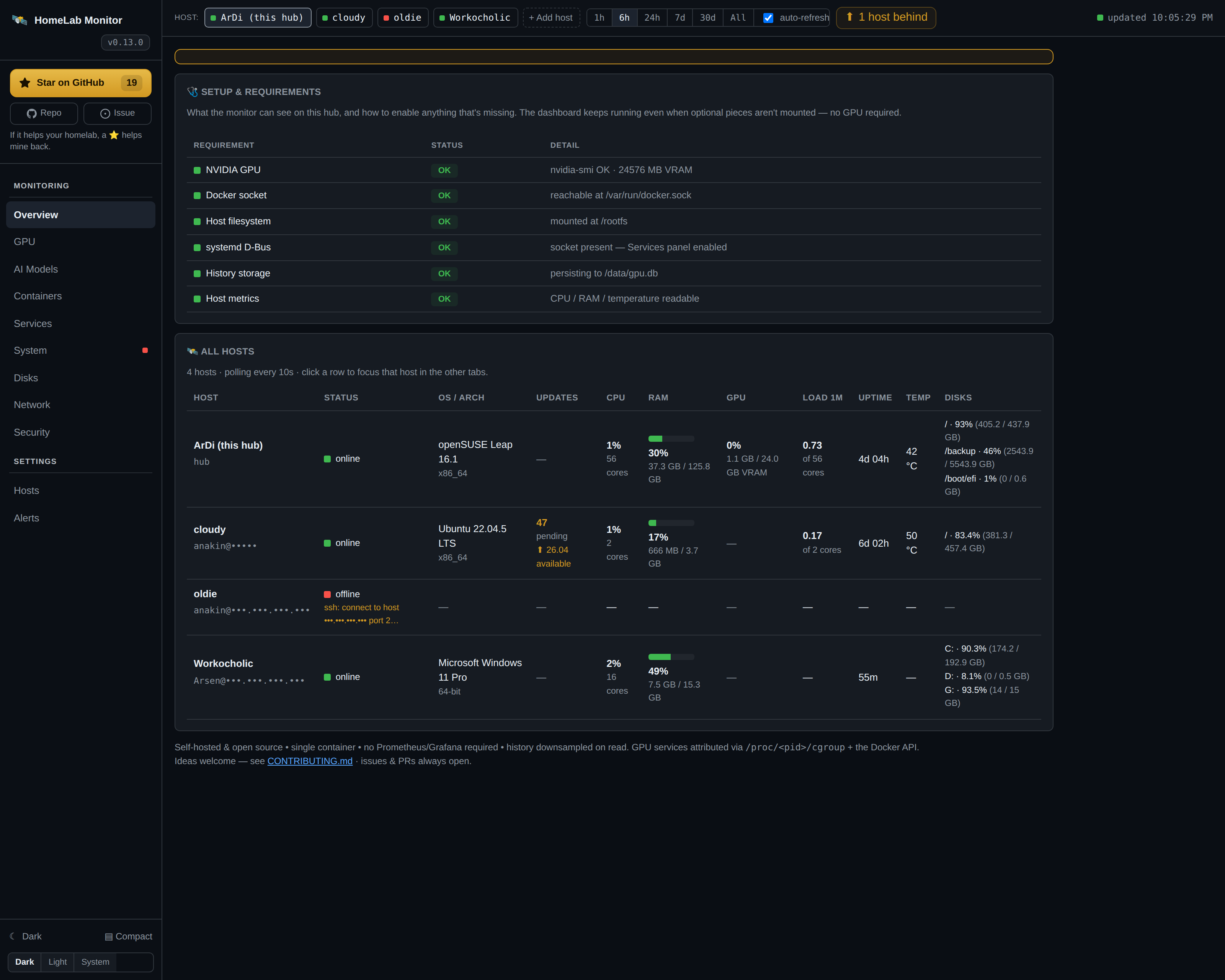 Overview — every host at a glance
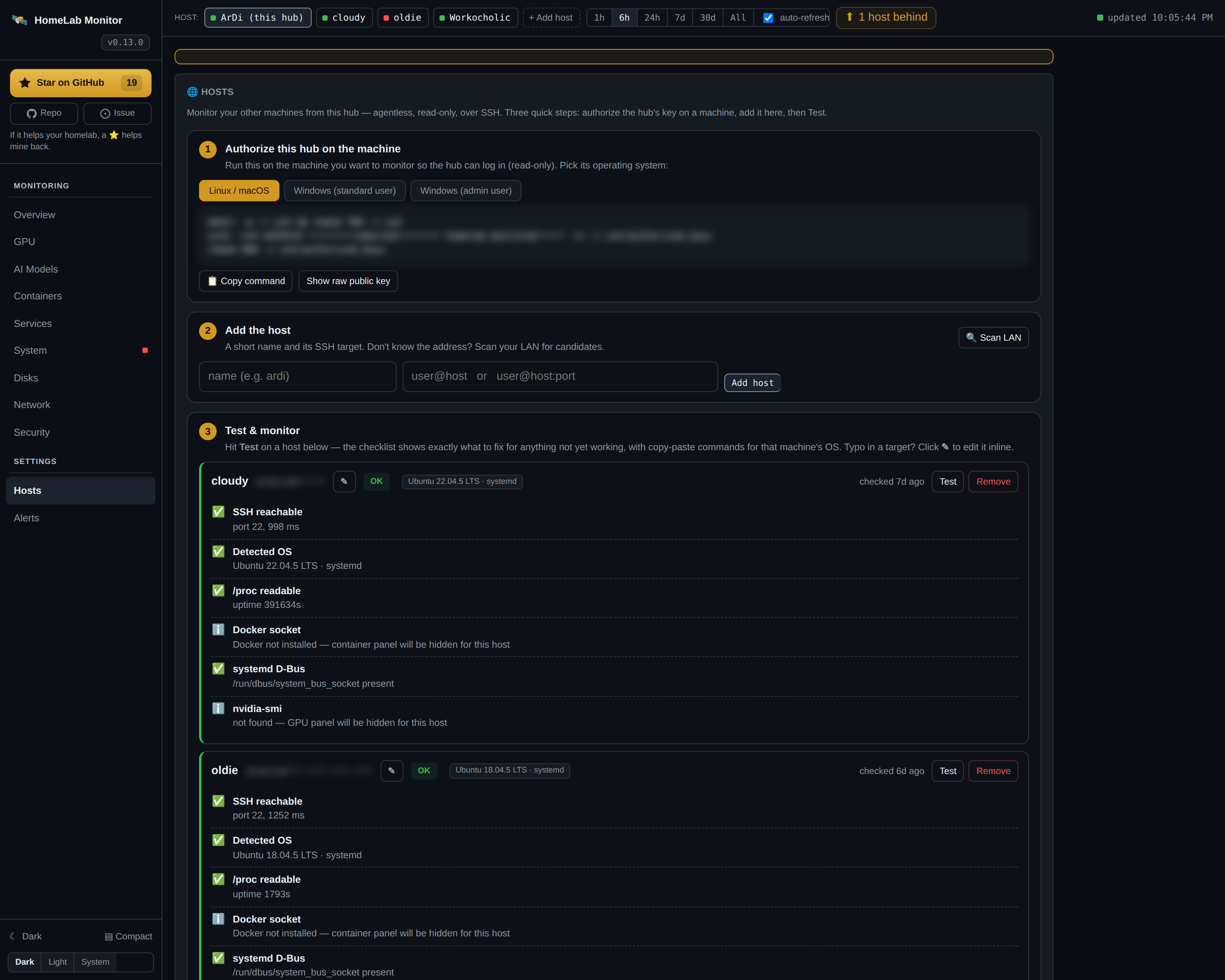 Hosts — onboarding wizard + capability checklist
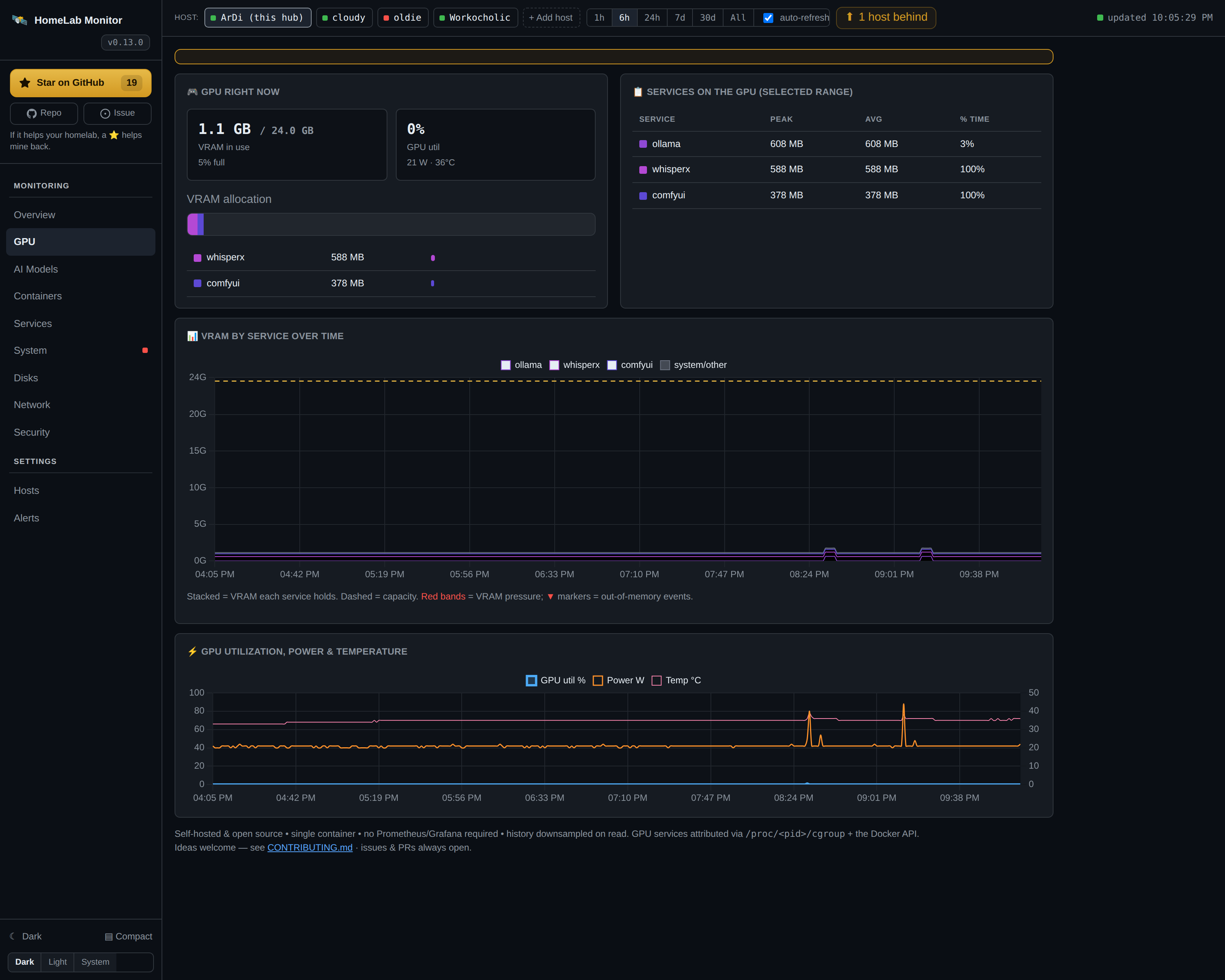 GPU — VRAM attribution by service
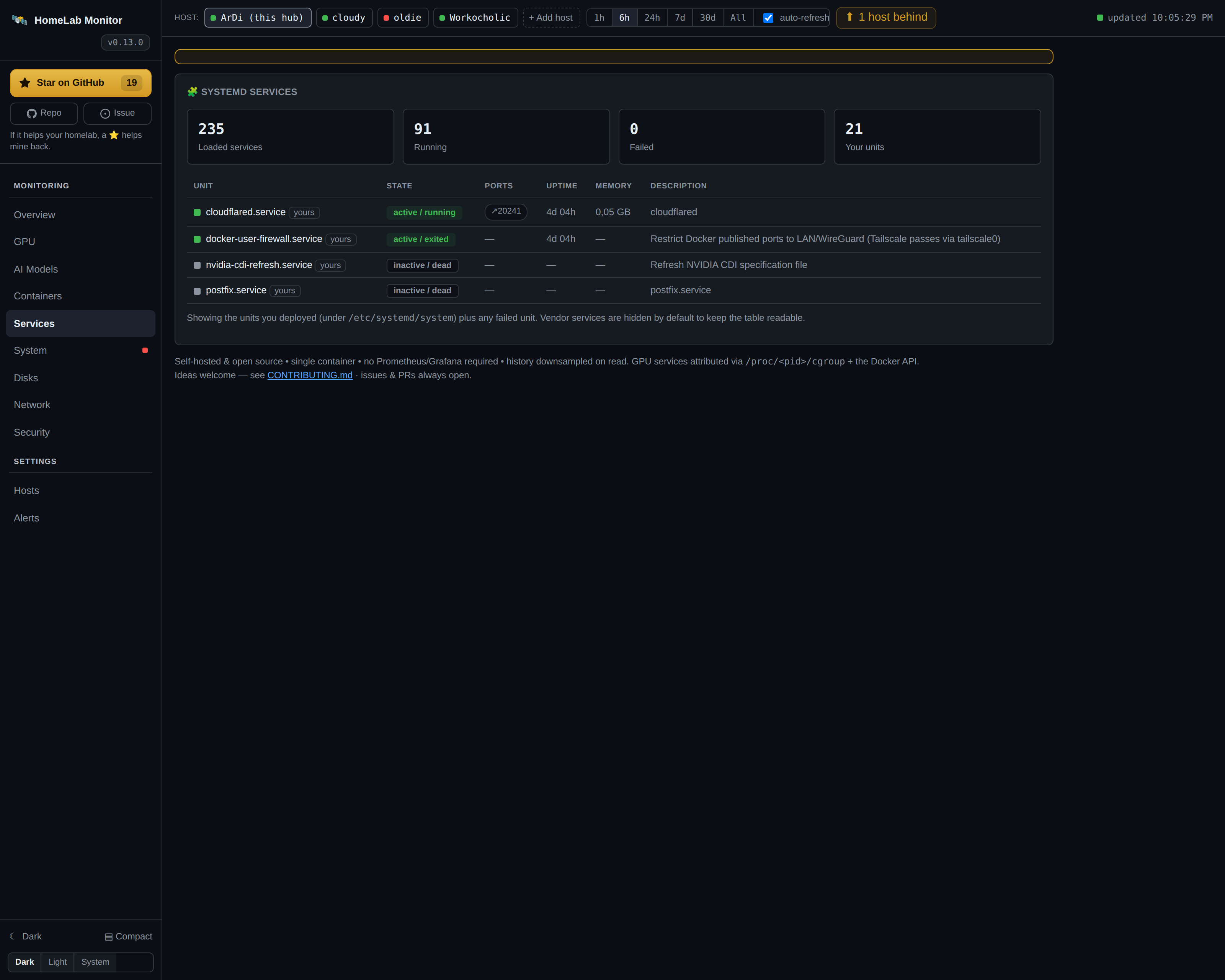 Services — systemd, yours highlighted
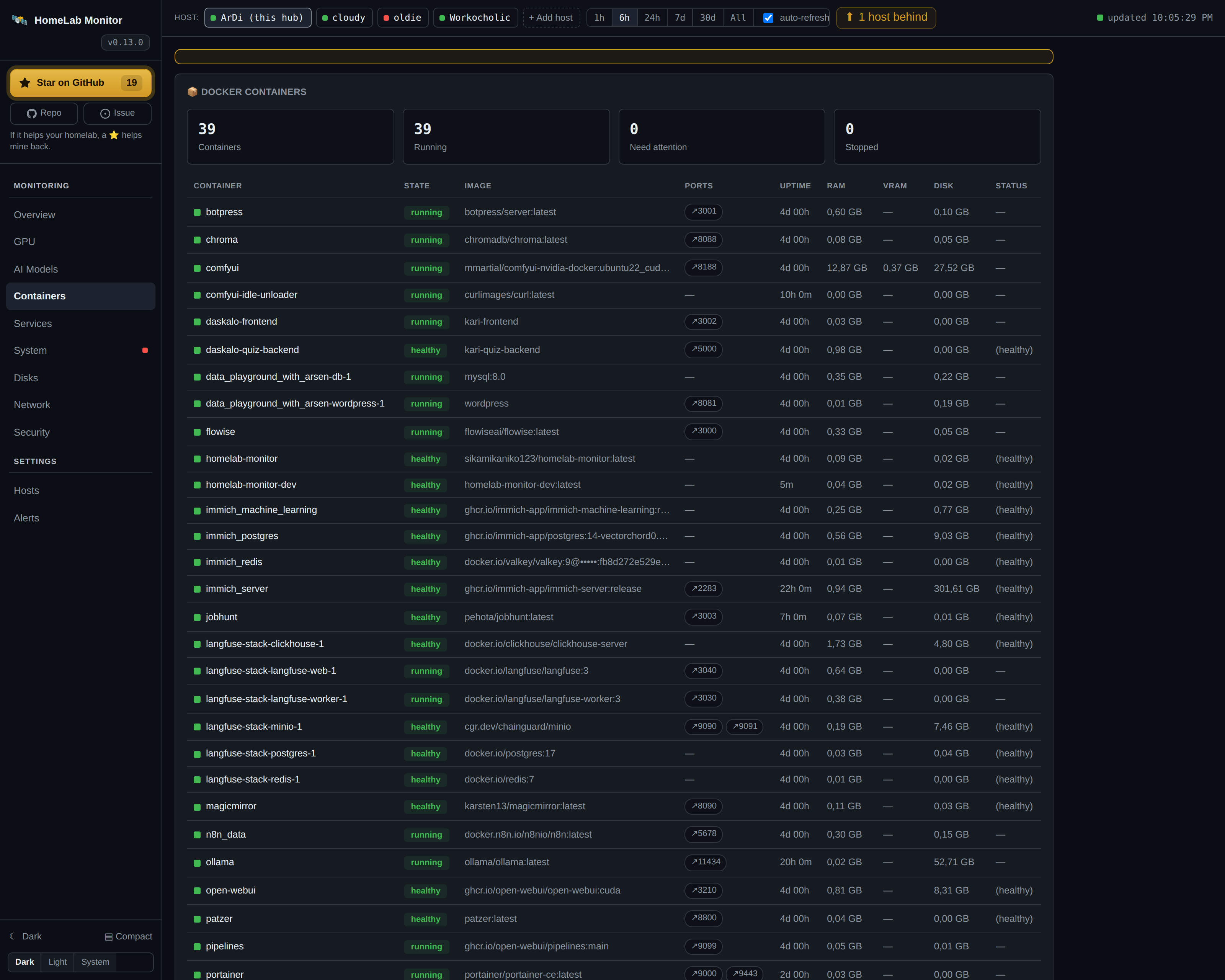 Containers — every Docker container
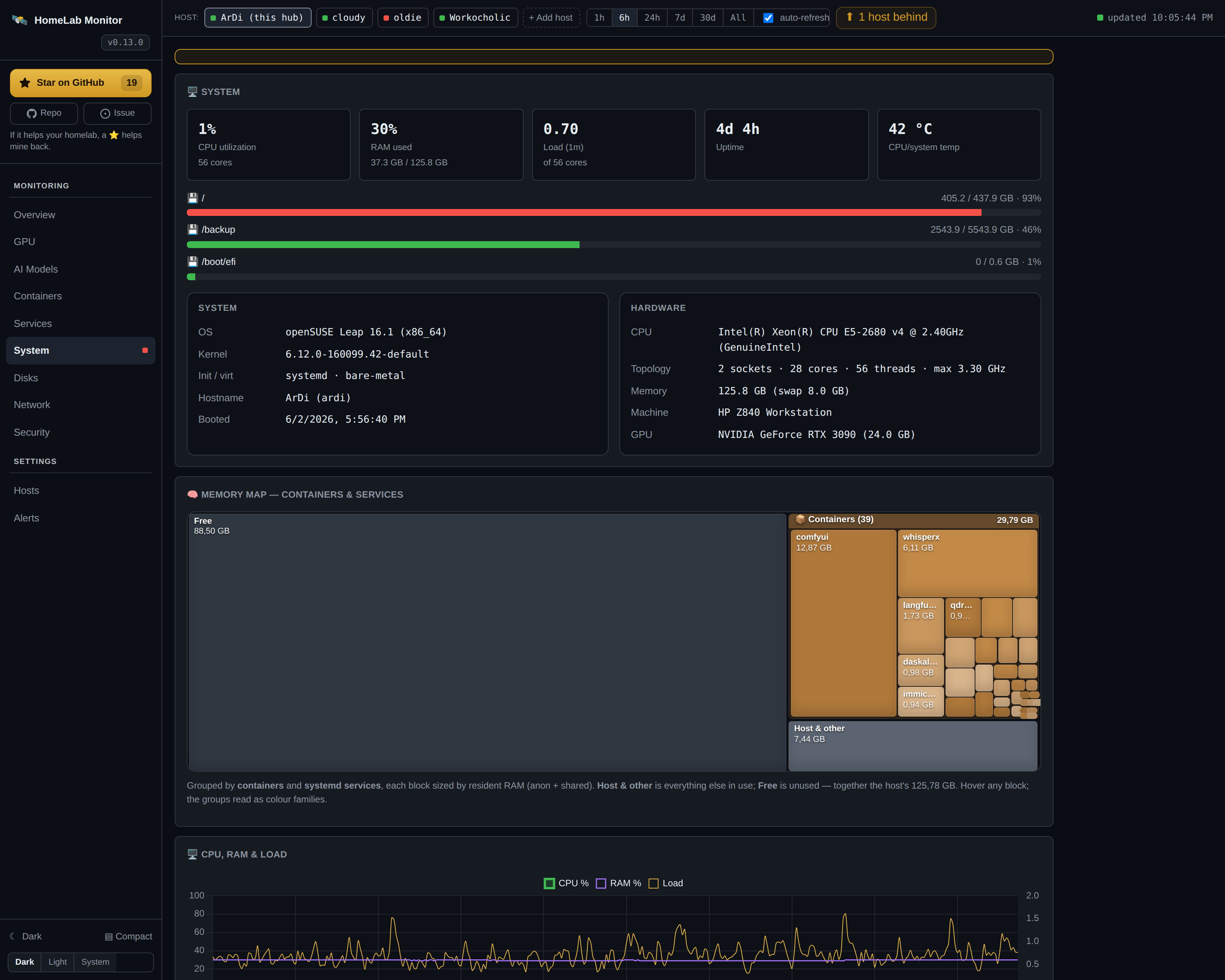 System — OS, architecture & hardware inventory
Pre-built image, no clone
curl -fsSLO https://raw.githubusercontent.com/SikamikanikoBG/homelab-monitor/main/docker-compose.yml
docker compose pull
docker compose up -d
Then open http://<your-host-ip>:9800 from any browser on your LAN or VPN.
Full install options (NVIDIA Container Toolkit, from-source, upgrade) → Install